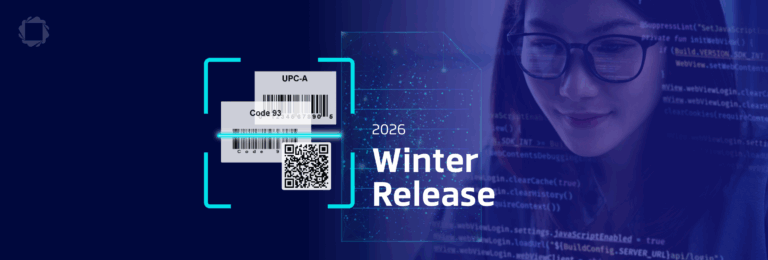
A warehouse worker scans a barcode on a box that’s been dragged across a loading dock. The corner’s torn, the ink’s smudged, and the scanner just fails. So, they type the code in by hand, or the box goes to a rescan bin, and someone deals with it later. Multiply that by a few hundred packages a day and “later” becomes a real cost.
This is the gap between how capture works in a demo and how it works in the field. Labels get scuffed. Documents get creased, held open by a thumb, photographed at an angle on a warehouse floor instead of scanned flat on a desk. Most capture SDKs are built and tested against clean conditions, which is rarely what shows up in the field.
Barcode Reconstruction
Picture a shipping label with a handwritten routing note scrawled across part of the barcode, or a box that got crushed, torn, or scuffed somewhere in transit. Traditional 1D barcode decoding, including dedicated laser scanners, needs one continuous scan line with the full sequence of bars and spaces intact. When no single line survives undamaged, the scan fails, no matter how good the scanner is.
Barcode Reconstruction works differently. It uses computer vision to pull together multiple partially readable scan lines and assemble a complete sequence from the fragments, even when no single line was ever intact on its own. That’s how it recovers barcodes damaged badly enough to defeat a dedicated laser scanner.
It runs inside the Barcode Scanner SDK, as part of the normal scan. No separate repair step, no round trip to a server. A barcode that would have failed outright, and forced a manual entry or a rescan, now just reads.

Document Cleanup
Documents fail differently. The content is usually fine. What’s wrong is everything around it, a finger in frame, a hole punch, a stray mark from the handling of the page before it hit the scanner.
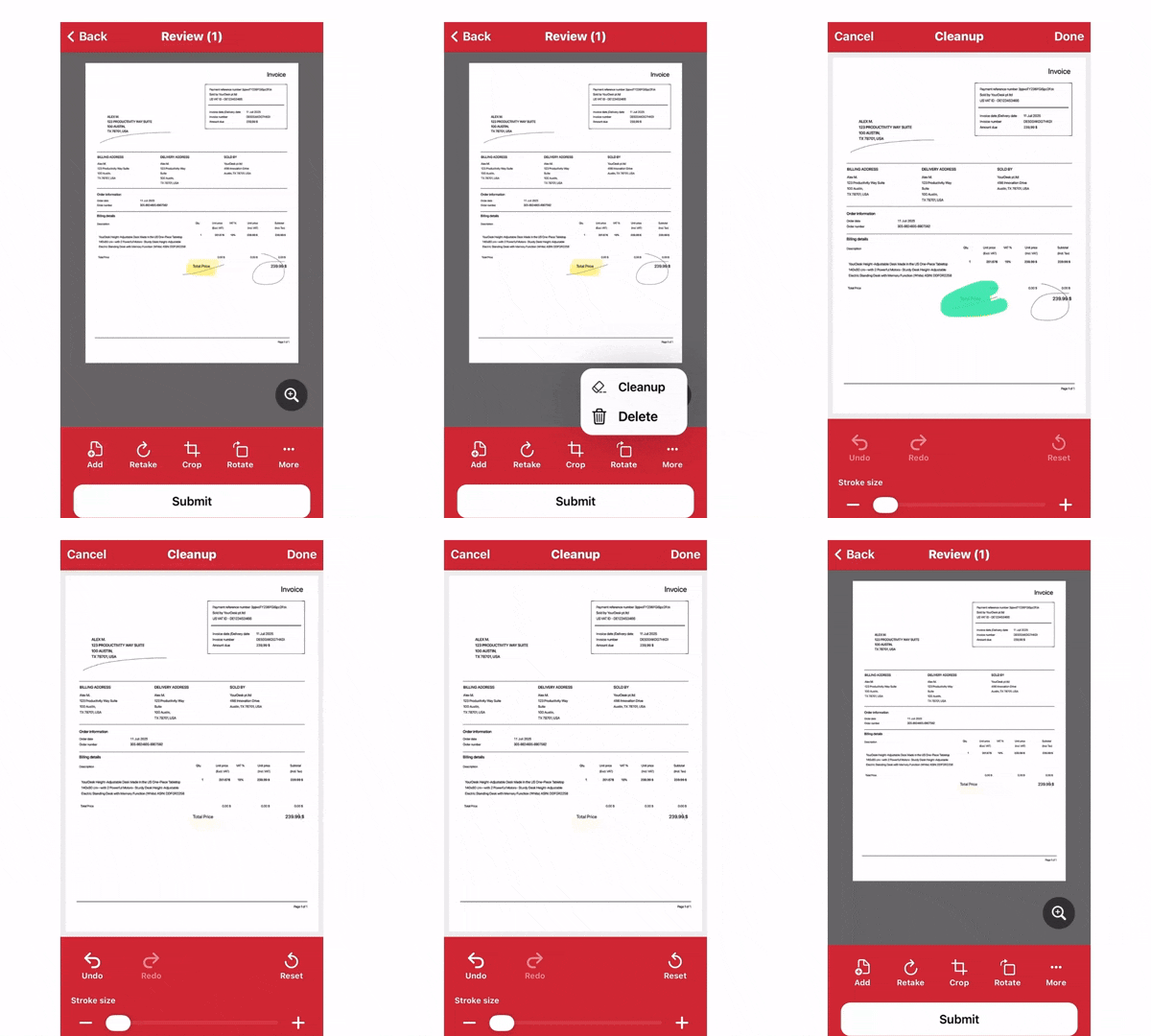
Document Cleanup, in the Document Scanner SDK, starts with the user marking the area to clean up. From there, computer vision takes over: it detects the surrounding text so cleanup doesn’t damage real content, then fills in the background underneath the artifact. The result is a copy closer to the original, not just an erased patch. The feature is available across all supported platforms, so the cleanup step is consistent no matter where the scan happened.
Both features are built on the same idea: most real-world capture failures are partial, not total, and the fix is using what survived instead of throwing out the whole scan.
Landscape Orientation Support
Field capture isn’t confined to phones. This release adds support for landscape and large-screen capture flows, tablets, kiosks, unfolded foldables, and ChromeOS. That’s not optional with the June release of Android 17. If your app captures documents or barcodes on Android and you haven’t accounted for large-screen layouts, this closes that gap.
Same outcome, less friction
None of these capabilities change what your app does with a scan once it’s captured. It changes what happens when the scan isn’t clean. A damaged barcode recovers automatically, inside the SDK, before it ever reaches your user. A messy document gets a manual fix instead of a failed capture.